Start-Up Procedure and Diagnosis Menu
Start-up procedure and Diagnosis Menu1. Turn the ignition switch to the ON (II) position.
Press and hold the Menu, the Map/Guide, and the Cancel buttons. Keep them pressed for approximately 5 seconds or jumper the 2-pin SCS service connector. The display screen then goes directly to the Diagnostic Menu.
NOTE:
- This only allows access to the diagnostic screens. All other Navigation functions are disabled.
- When you finish troubleshooting, make sure you remove the SCS service connector.
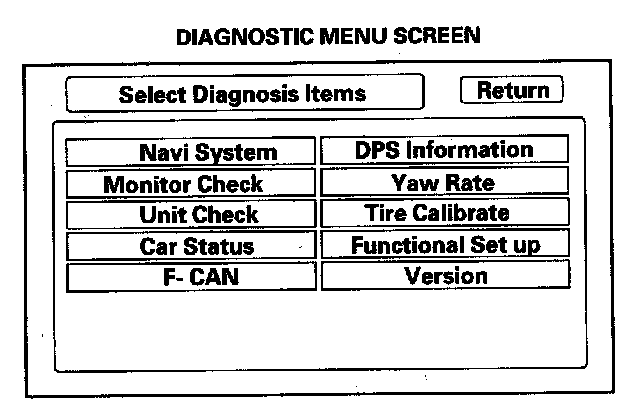
2. After the display changes to the Diagnostic Menu, select the item you want to check, and the test will start. To return to the previous screen, select "Return".
- Navi system (Link)
- Monitor Check
- Unit Check
- Car Status
- F-CAN
- GPS Information
- Yaw Rate
- Tire Calibrate
- Functional Setup
- Version